
 DISCORD
 Join our Discord
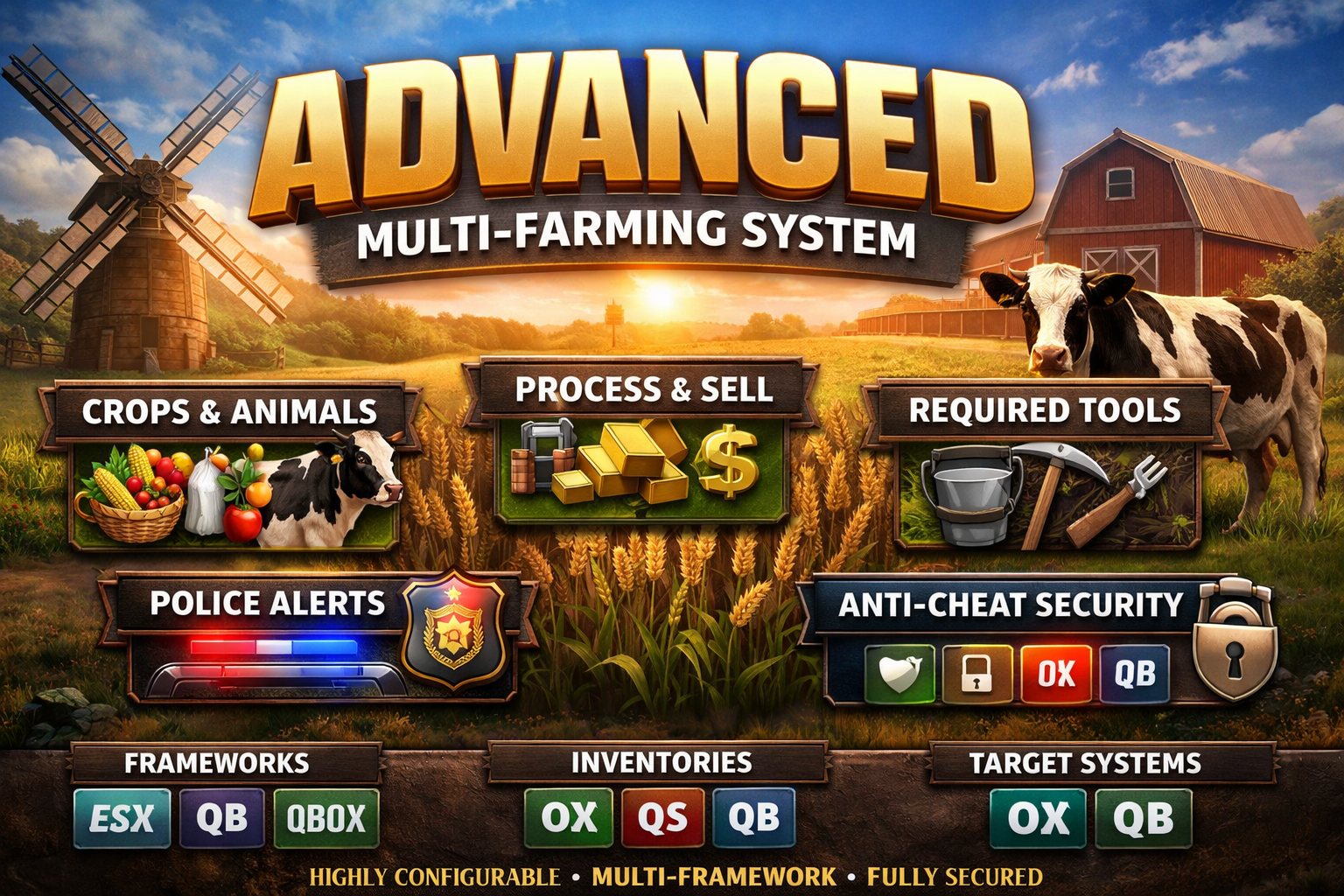
🌾 Advanced Farming System
📦 Overview
This is a multi-framework farming system supporting ESX, QBCore, and Qbox.
It includes farming, animal systems, processing, selling, and advanced anti-cheat.
⚙️ Installation
1. Upload Resource
Place the script inside your resources folder.
2. Add to server.cfg
ensure ox_lib
ensure oxmysql
ensure GHOST-Farming_Job
3. Dependencies
Required:
ox_lib
oxmysql
Optional (auto-detected):
ox_inventory / qs-inventory / qb-inventory
ox_target / qb-target
🧠 Framework Support
ESX
QBCore
Qbox
No configuration needed (auto-detect).
⚙️ Configuration
All settings are located in:
config.lua
🌱 Add Farming Location
Config.FarmingLocations = {
    {
        label = "Apple Farm",
        item = "apple",

        requiredItems = {
            { item = "bucket", amount = 1, remove = false }
        },

        zone = {
            coords = vec3(x, y, z),
            length = 50.0,
            width = 50.0,
            heading = 0.0,
            minZ = 20.0,
            maxZ = 50.0
        },

        targets = {
            {
                coords = vec3(x, y, z),
                amount = {1,2},
                radius = 3.0,
                animDict = "missmechanic",
                anim = "work_base"
            }
        }
    }
}
🐄 Add Animal (Cow Example)
{
    label = "Cow Farm",
    item = "milk",

    requiredItems = {
        { item = "bucket", amount = 1, remove = false }
    },

    targets = {
        {
            coords = vec3(x, y, z),
            amount = {1,2},
            radius = 2.5,
            model = "a_c_cow"
        }
    }
}
🏭 Processing
Config.Processing.recipes = {
    apple = {input=5, output="apple_juice", label="Apple Juice"}
}
🔒 Anti-Cheat
Server-side validation
Distance checks
Anti spam
Logging system
🧩 Customization
You can:
Add unlimited farms
Add new items
Add animals
Set job restrictions
Configure police alerts
❗ Notes
Do NOT modify escrowed files
Only edit config.lua and bridge files
Restart server after changes
💬 Support
For support, join our Discord or contact the developer.
🔥 Tips
Use realistic prices for better economy
Add multiple farms for player engagement
Combine with jobs system for best experience